Custom Fields, Tags, and Data Extensions
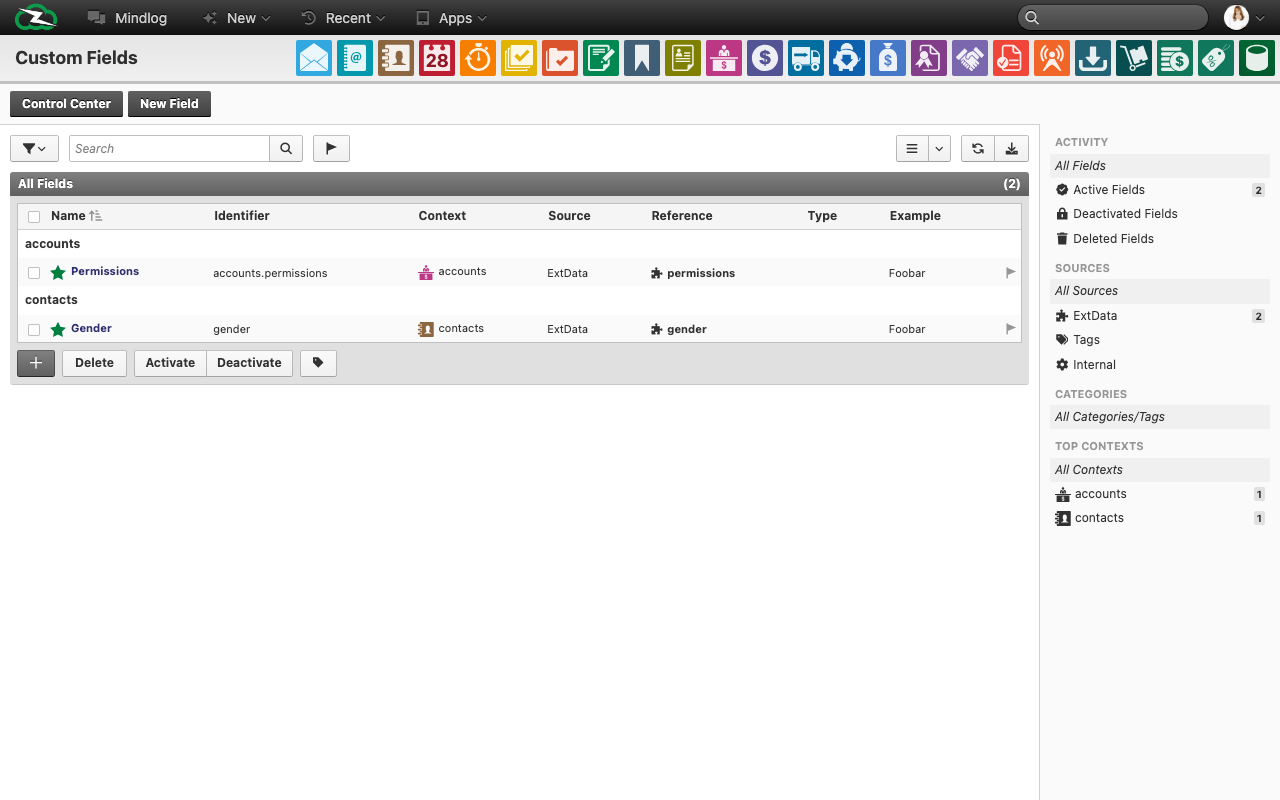
This area covers the controlled extension of the ZeyOS data model. It combines user-facing custom fields with more technical pages for extension analysis and metadata governance.
What This Area Is For
Use this area when standard fields are not enough, when technical extension data must be reviewed, or when shared metadata such as tags and custom entities need governance.
Who Should Use It
Business administrators may work with custom fields and tag naming. Technical administrators should own module forks, extdata analysis, and extra-object structures.
Included Pages
| Page or tool | What it is used for |
|---|---|
| Individual Fields | Add configurable fields to standard entities |
| Module Forks | Isolate or tailor business objects for custom solutions |
| Data Field Extensions | Analyze technical extdata fields on entities |
| Tags | Review and clean shared tag names across entities |
| Extra Objects | Inspect records of custom standalone entities |
What You See in the Live System
Individual Fields
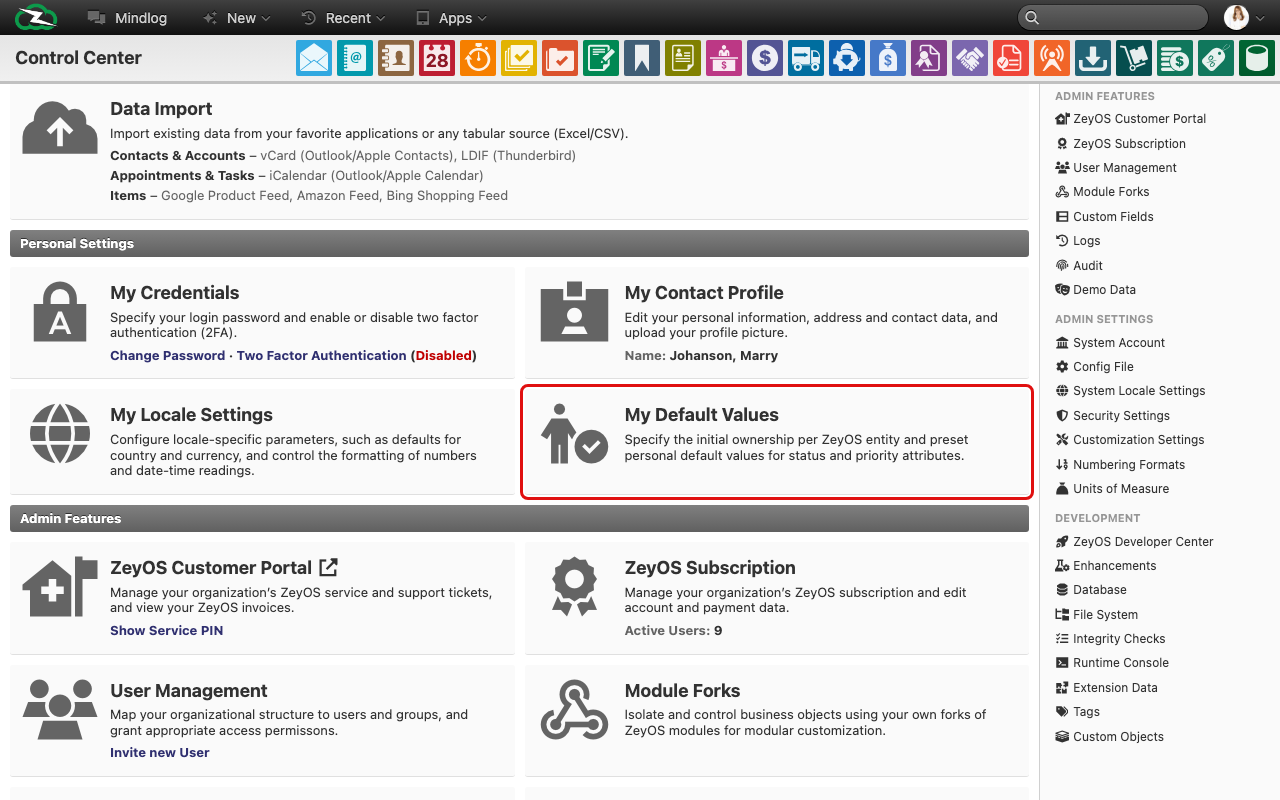
The live Individual Fields list includes columns such as:
- Name
- Identifier
- Context
- Source
- Reference
- Type
- Example value
This is the main page for adding business-facing custom fields.
Data Field Extensions
The live Data Field Extensions page is analytical. It includes fields such as:
- entity name
- estimated number of unique values
- estimated fill rate
- estimated numeric usage
- index information
Use this page to understand historic extension usage before changing integrations or reports.
Tags
The live Tags page lists tag names together with the entity they belong to and an estimated count. It helps you identify inconsistent naming, duplicates, or tag sprawl across the system.
Extra Objects
The live Extra Objects page shows records of custom entities with information such as object name, custom entity, date, editor, owner, and ID.
Typical Tasks
Add a controlled custom field
- Define the business requirement first.
- Add the field in Individual Fields with a stable identifier and the correct context.
- Document where the field should be used and whether it must be filled consistently.
- Update imports, reports, or integrations if they should include the new field.
Review technical extension data
Use Data Field Extensions before removing old integrations or planning migrations so you understand which technical fields are still populated.
Clean up tags and custom objects
Use Tags to standardize naming and Extra Objects to review whether custom entities still serve a valid business purpose.
Design and Governance Rules
- Start with Individual Fields before considering deeper model changes.
- Use stable, readable identifiers and documented naming rules.
- Keep ownership of custom entities and module forks explicit.
- Review extension structures periodically so the data model remains maintainable.
Related Topics
- Importing Data - Imports may target custom fields and advanced entities.
- Extensions and Developer Tools - Technical customization often requires both areas.
- System Settings, Number Ranges, and Units - Shared business configuration belongs there, not in the extension model.