Credentials and Security
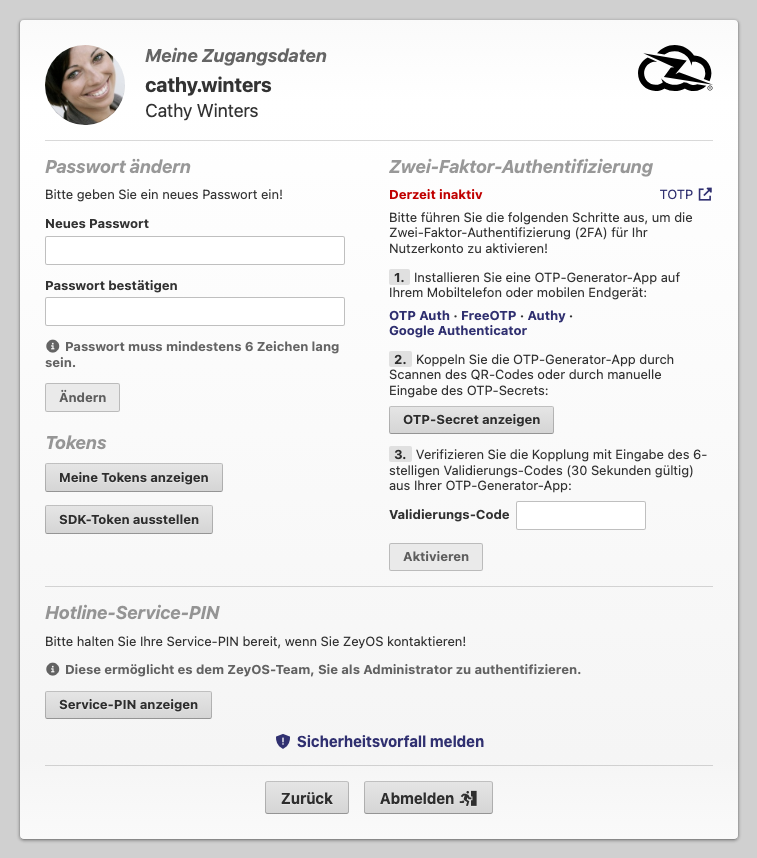
Use My Credentials to manage your personal access settings. This page combines password management, two-factor authentication, token handling, service verification, and security reporting.
What This Page Is For
This page protects access to your own account. Unlike system-wide security settings, the actions here are personal and user-specific.
Who Should Use It
Every user should know this page. It becomes especially important during onboarding, security hardening, token-based integration work, or when contacting support.
What You Can Do Here
| Area | Purpose |
|---|---|
| Change password | Set a new password and confirm it with the current password |
| Tokens | Review existing tokens or issue an SDK token for integrations |
| Two-Factor Authentication (TOTP) | Activate an authenticator-app-based second factor |
| Hotline Service PIN | Retrieve the support verification PIN for admin-related requests |
| Report Security Incident | Escalate suspected account or token abuse |
| Log Out | End the current session |
Recommended Security Workflow
Change your password
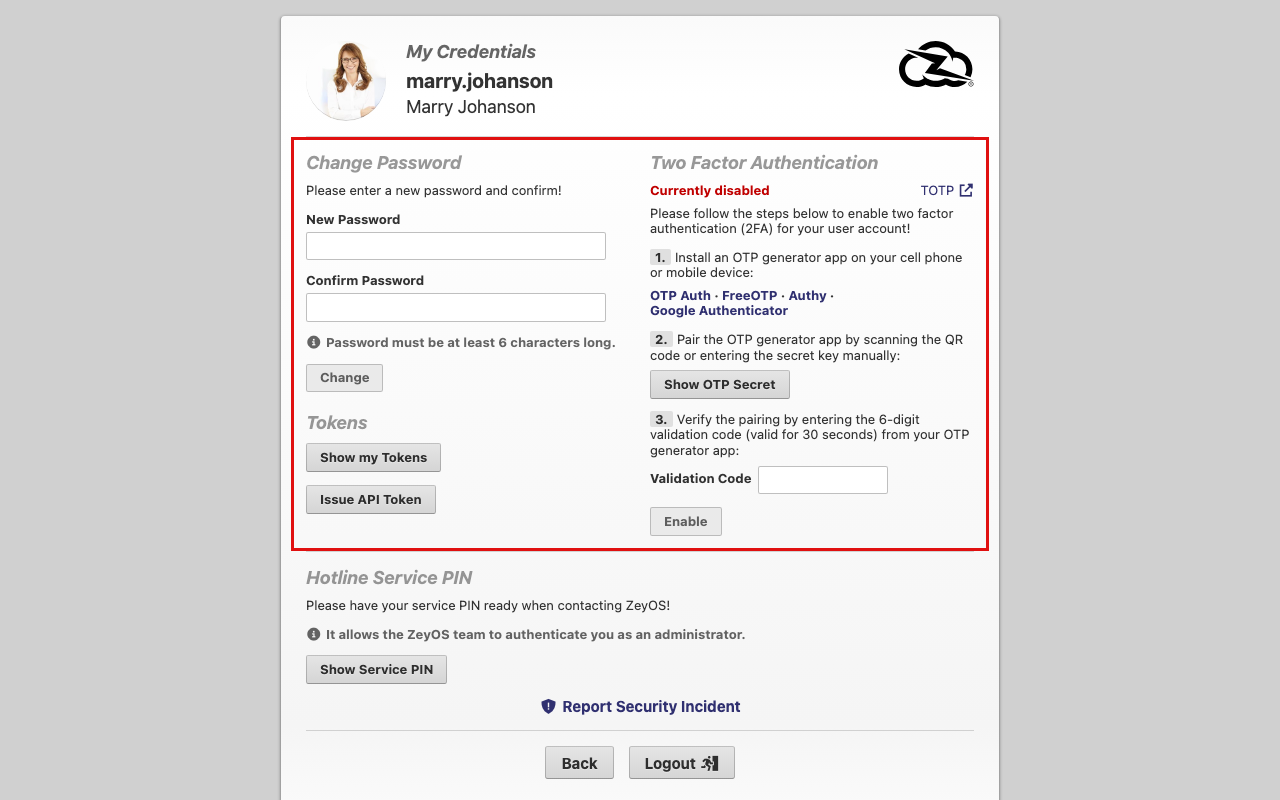
The live page requires:
- A new password
- Password confirmation
- Your current password for verification
Passwords must be at least 6 characters long.
Enable two-factor authentication
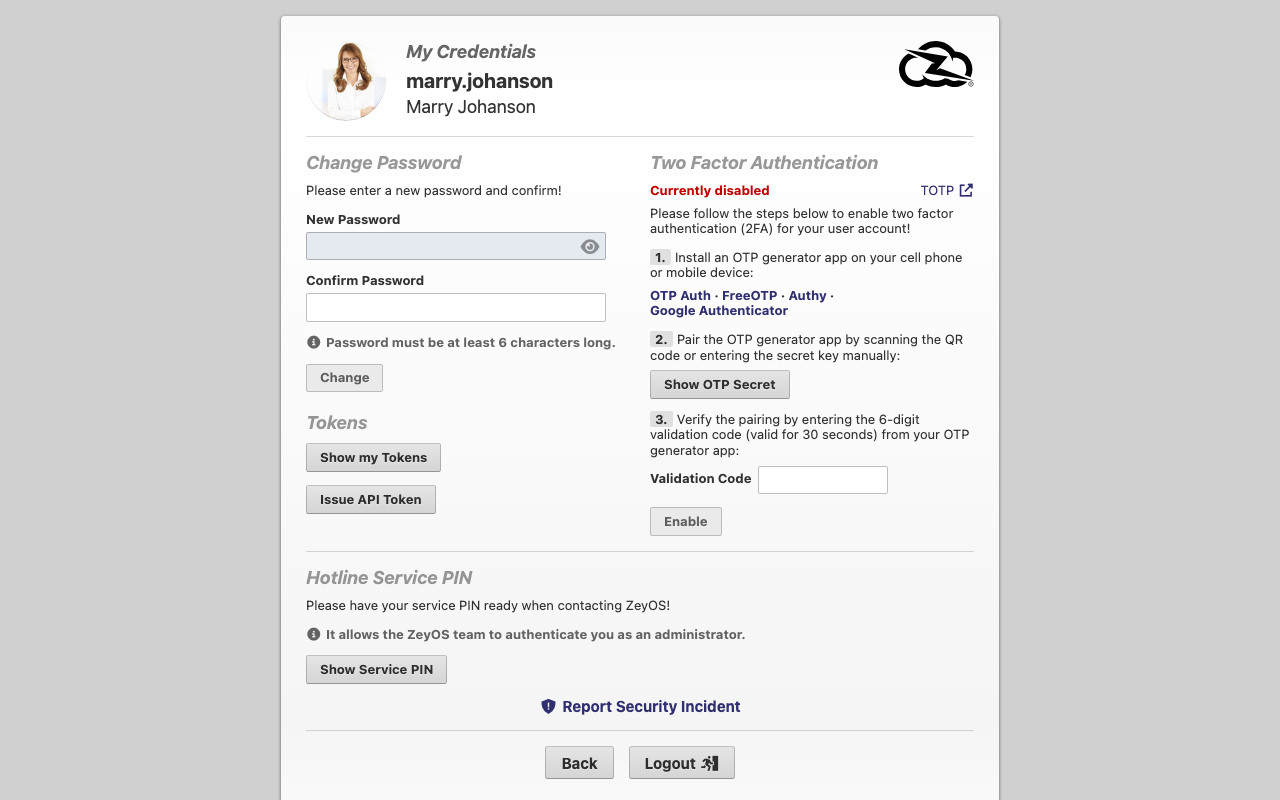
The live TOTP workflow is structured as follows:
- Install an authenticator app such as OTP Auth, FreeOTP, Authy, or Google Authenticator.
- Pair it with ZeyOS using the QR code or the displayed secret.
- Enter the six-digit validation code and activate 2FA.
Manage tokens carefully
Use Show My Tokens to review existing tokens and Issue SDK Token only when a technical integration requires it. Revoke unused tokens immediately.
When to Use the Service PIN or Security Incident Flow
- Use the Service PIN when the ZeyOS team must verify your administrative identity.
- Use Report Security Incident if you suspect unauthorized access, a leaked token, or another account-related security problem.
Best Practices
- Enable 2FA for every administrative account.
- Treat tokens like passwords.
- Change credentials immediately after any suspected compromise.
- Do not share your support verification PIN casually.
Related Topics
- Personal Settings - Manage your profile, locale, and default behavior.
- Admin Functions - Administrators often move between credentials, user management, and subscription tasks.
- System Settings, Number Ranges, and Units - Shared security policy is configured there.